.png)
What Is WhatsApp Business Auto Reply?
WhatsApp auto reply is an automated response sent when a customer messages your business. It is most commonly used for two scenarios: when no agent is available (out-of-hours), and when a new contact messages for the first time (welcome message). Both serve the same core purpose — ensuring no customer message goes unanswered, even when your team is offline.
The WhatsApp Business mobile app allows basic text auto replies with simple scheduling. The WhatsApp Business API, accessed through platforms like Zepliq, enables far more sophisticated logic: multi-step flows, AI-generated personalized responses, keyword triggers, interactive menu options, and seamless handoff to human agents.
The gap between a basic auto reply and a well-built one is significant. A basic auto reply tells a customer you are unavailable. A smart auto reply keeps the customer engaged, answers their question if possible, and creates a clear path to the next step — without requiring a human agent to be online.
Types of WhatsApp Auto Reply
Each type of auto reply serves a different moment in the customer journey. Understanding which type fits which situation helps you build an auto reply system that feels helpful rather than generic.
- Out-of-hours reply: triggers when a customer messages outside defined business hours — goal is to acknowledge, set expectations, and offer self-service options
- Welcome message: triggers when a new contact messages your business for the first time — goal is to greet, introduce, and guide toward a first action
- Keyword-triggered reply: fires when a message contains a specific word (price, delivery, refund, catalog) — goal is to provide an instant relevant answer
- Away message: triggered during holiday closures or high-volume periods — goal is to set accurate expectations while keeping the conversation open
- Quick-reply menu: sends button options (1 = Pricing, 2 = Support, 3 = Track Order) — goal is to route the customer to the right information instantly
How to Set Up WhatsApp Auto Reply in Zepliq
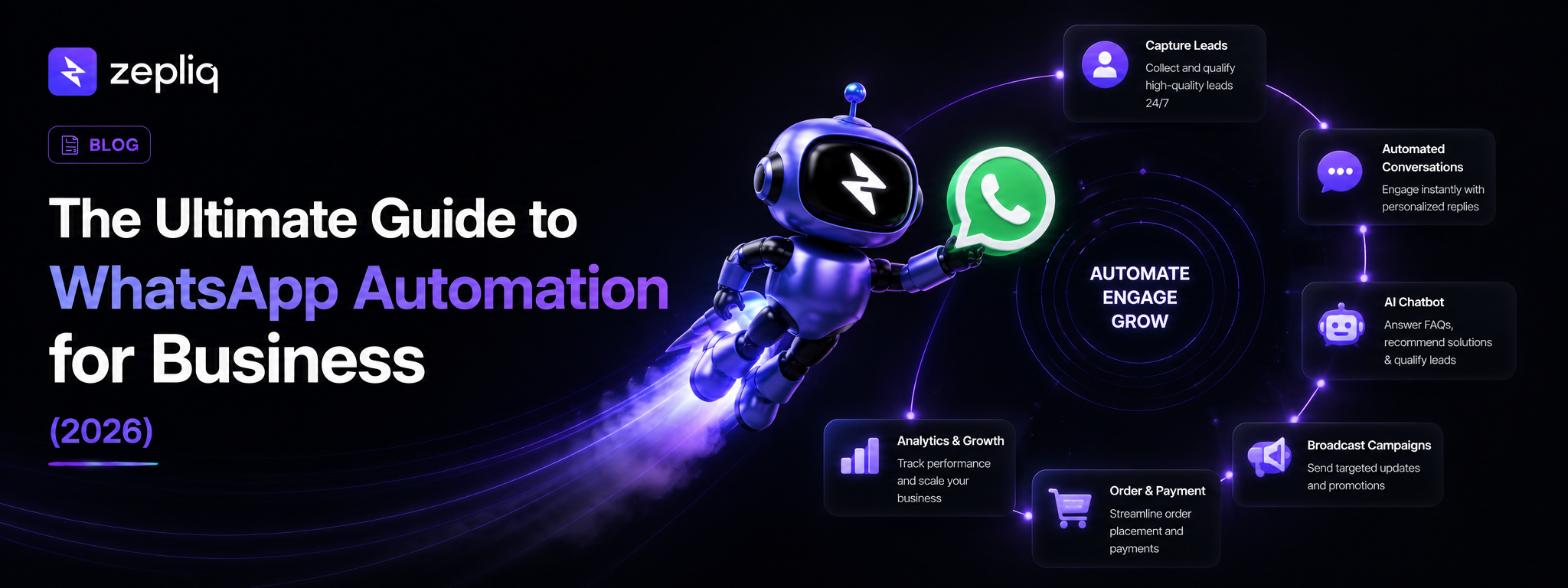
In Zepliq, auto reply is part of the broader automation system. You can build responses that handle common questions, qualify leads, and route conversations — all without writing a single line of code.
- Navigate to Automations in your Zepliq dashboard
- Create a new workflow triggered by "New incoming message"
- Add a condition for time of day (outside business hours) or message content (keyword match)
- Write your auto reply message with personalization variables like {{first_name}}
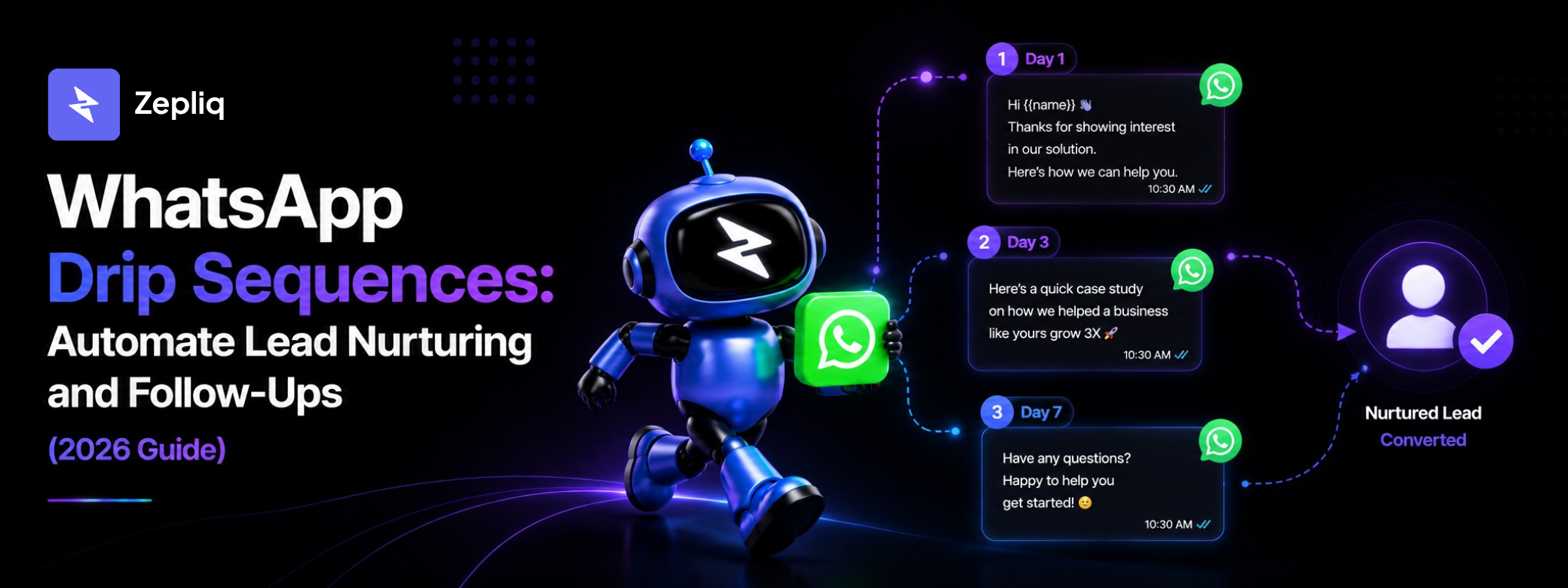
- Add follow-up actions: show a menu, collect contact details, assign to an agent, or start a drip sequence
- Define your business hours in Settings for timezone-aware out-of-hours scheduling
- Test the automation with a real message from a test number before going live
WhatsApp Auto Reply Message Templates
These templates can be adapted for your business. For auto replies sent outside the 24-hour window, submit them as approved templates through Zepliq.
- Out-of-hours: "Hi {{1}}, thanks for reaching out to {{2}}! We're currently offline and will be back on {{3}}. Browse our website: {{4}} or we'll reply first thing tomorrow."
- Welcome message: "Hi {{1}}, welcome to {{2}}! Reply with: 1 - See our catalog, 2 - Get pricing, 3 - Track an order, 4 - Speak to our team."
- Pricing keyword trigger: "Hi {{1}}, great question! Here's a quick overview of our plans: {{2}}. Want help choosing the right one? Reply YES."
- Order tracking trigger: "Hi {{1}}, to track your order please share your order number and we'll pull up the latest update right away."
- High-volume queue: "Hi {{1}}, we're receiving a high volume of messages right now. You're in the queue — we'll respond within {{2}} hours. Reply URGENT if this is time-sensitive."
Beyond Basic Auto Reply: AI-Powered WhatsApp Responses
A static auto reply has one fundamental limitation: it gives the same answer regardless of what the customer actually asked. If someone sends a complex product question outside business hours, your out-of-hours reply tells them to wait. They might not wait — they will move on to a competitor who answers immediately.
AI-powered auto reply in Zepliq reads the customer's message and generates a relevant, helpful response even outside business hours. The AI is trained on your product catalog, FAQs, pricing, policies, and previous conversations. When a customer asks about a specific product, return policy, or delivery timeframe at midnight, the AI answers accurately — without a human being online.
This transforms auto reply from a holding message into a 24/7 customer service layer. Leads get answers at the moment they are most engaged, which is the moment they sent the message. That immediacy directly improves conversion rates and reduces the number of inquiries that drop off before your team opens the inbox in the morning.
Frequently Asked Questions
Can I set different auto replies for different times of day?
Yes. Zepliq lets you define business hours and set separate automation rules for in-hours and out-of-hours scenarios. You can also create date-specific auto replies for holidays and closures.
Do auto replies count toward my WhatsApp response time rating?
The WhatsApp Business app shows a response time badge on your business profile. Auto replies count toward your response rate metric, which can improve your profile's credibility with new contacts.
Should every incoming message trigger an auto reply?
No. Configure your automation to trigger auto reply only when no human agent has the conversation open. Active human-handled conversations should not receive automated interruptions.
Can auto reply start a full lead qualification flow?
Yes. In Zepliq, the auto reply message is the entry point for a broader automation. After the initial reply, you can present a menu, collect contact details, qualify the lead, and route the conversation to the appropriate team member — all automatically.
What is the difference between a welcome message and an away message?
A welcome message fires on a contact's first message to your business, regardless of time. An away message fires when your team is outside business hours. A contact who messages for the first time during off-hours can trigger both — configure the order carefully in your automation rules.
Build Your Customer Automation System with Zepliq
Zepliq helps growing brands automate WhatsApp, email, Shopify, WooCommerce, and sales pipeline workflows from one dashboard.
Use this guide as a starting point, then connect your real customer conversations so your team can reply faster, follow up better, and build a brand customers remember.
Start Your Free 14-Day Trial
No credit card required. Connect your channels and launch your first automation workflow in minutes.
- No credit card required
- WhatsApp, email, and store automation
- Built for sales and support teams