What Is WhatsApp Automation?
WhatsApp automation is the use of software to send, receive, and respond to WhatsApp messages automatically — without a human typing each reply manually. Automation handles routine conversations, qualifies leads, confirms orders, follows up with prospects, and routes complex issues to human agents.
WhatsApp automation runs on the WhatsApp Business API, which allows approved software platforms like Zepliq to send and receive messages on behalf of a business. Unlike the WhatsApp Business App (limited to one device and manual replies), the API enables unlimited scale, AI-powered responses, and deep integration with e-commerce platforms and CRMs.
Businesses using WhatsApp automation typically see a dramatic reduction in response time — from hours to seconds — alongside higher conversion rates, fewer missed leads, and a support team that can focus on high-value conversations instead of answering the same questions repeatedly.
Why WhatsApp Beats Every Other Channel for Business Automation
WhatsApp has 3 billion active users. It is the primary messaging app in over 100 countries. For businesses selling to consumers, no channel comes close in terms of reach, open rates, or response speed.
Email open rates average 20 percent. WhatsApp open rates consistently exceed 90 percent. SMS is read quickly but feels impersonal and has strict character limits. Push notifications are easy to dismiss. WhatsApp messages land in a personal inbox that customers check dozens of times per day.
When a customer places a COD order, asks about a product, or abandons a cart, the window for a timely response is measured in minutes, not hours. WhatsApp automation closes that window automatically.
- 98% open rate — higher than any other messaging channel
- Average response read within 5 minutes of delivery
- 3 billion users across 100+ countries
- Two-way conversations — customers can reply instantly
- Rich media support — images, PDFs, buttons, and product catalogs
- End-to-end encryption builds customer trust
7 Types of WhatsApp Automation Every Business Should Know
WhatsApp automation is not one thing — it is a set of workflows, each designed for a different stage of the customer journey. Here are the seven most impactful types.
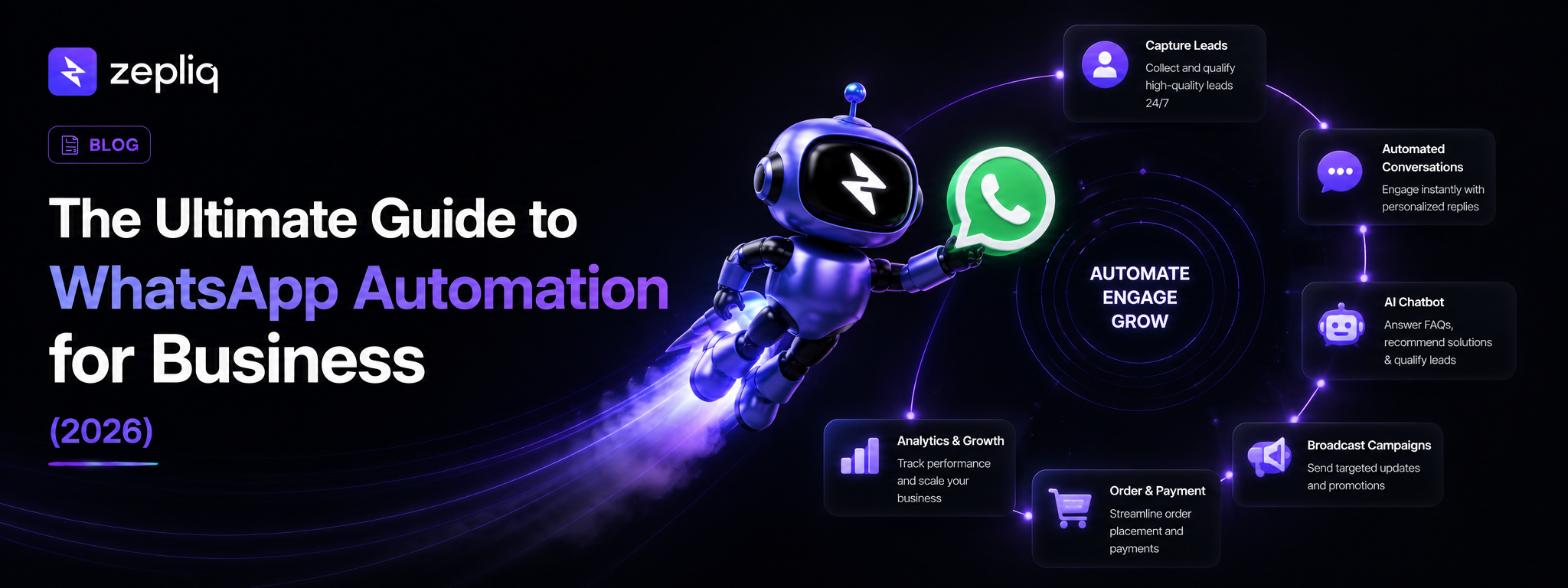
- 1. AI Chatbot: Answers customer questions 24/7 using your product catalog, FAQs, and pricing data — no human required for routine inquiries.
- 2. Order Confirmation: Sends automatic order details immediately after purchase on Shopify or WooCommerce, reducing customer anxiety and support tickets.
- 3. COD Verification: Asks customers to confirm cash-on-delivery orders before dispatch, eliminating fake orders and reducing return-to-origin rates by up to 60%.
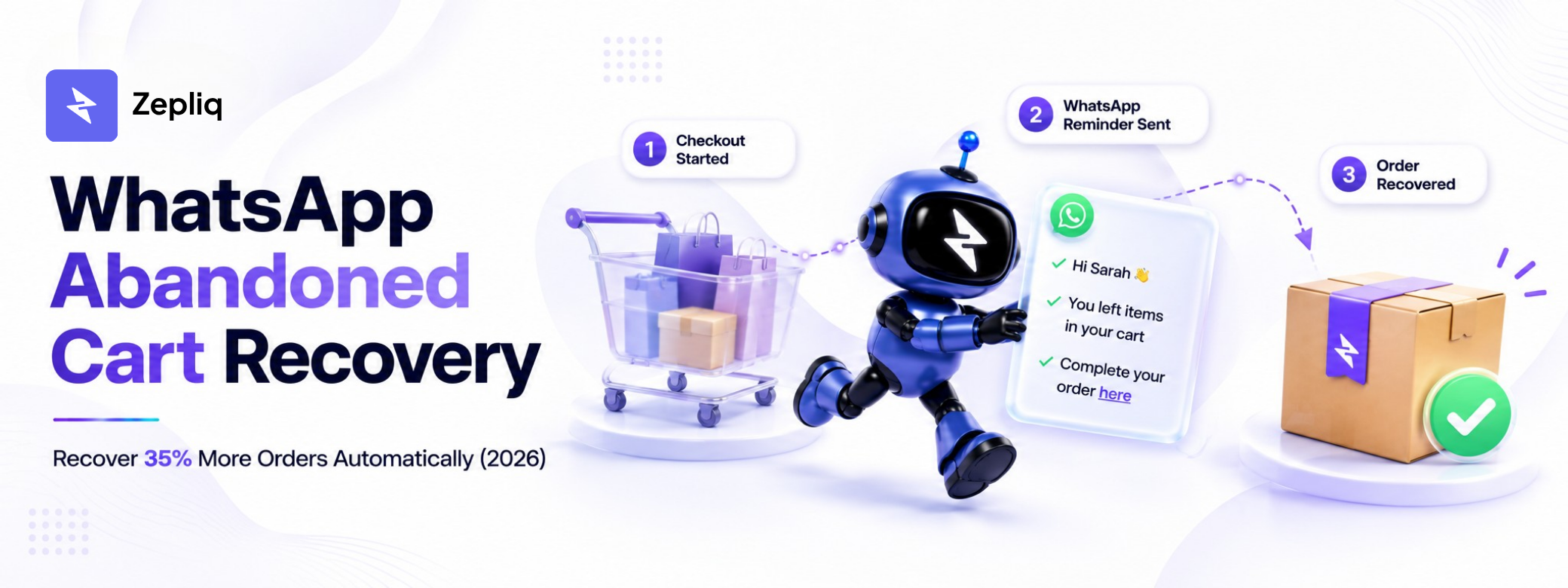
- 4. Abandoned Cart Recovery: Sends a personalized message when a shopper leaves without purchasing, recovering 25 to 35 percent of otherwise lost orders.
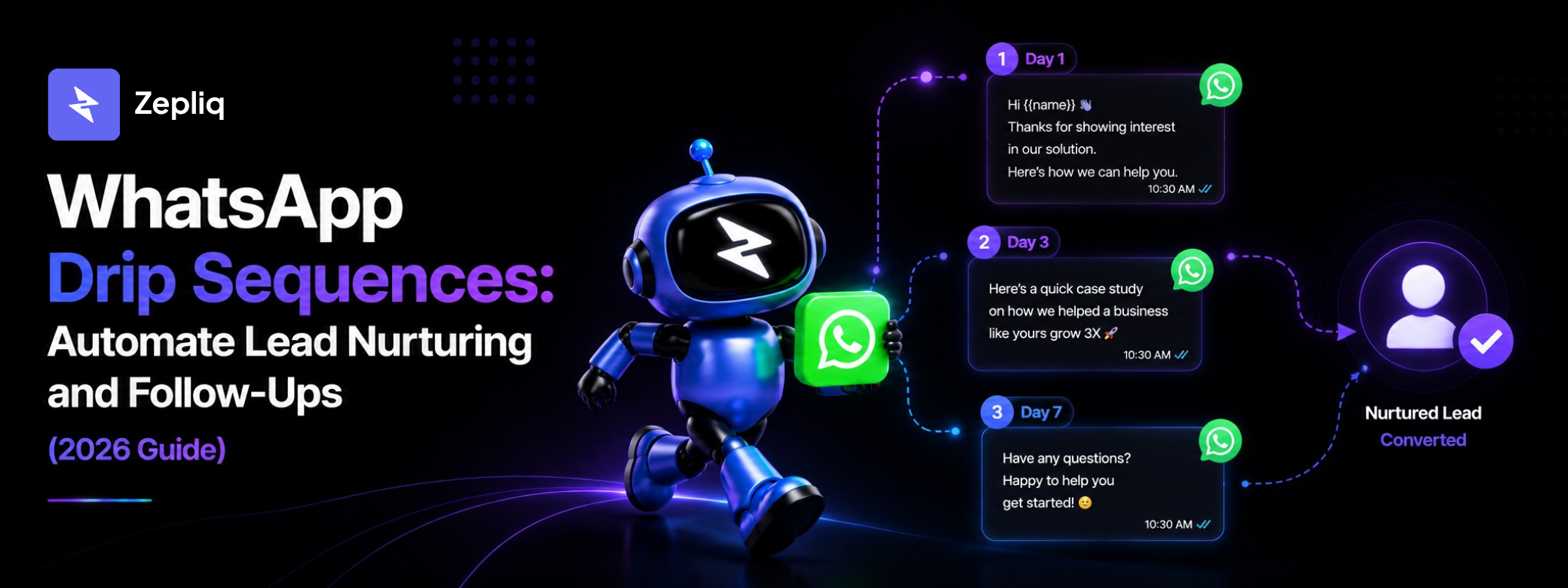
- 5. Drip Sequences: Sends a series of timed messages to nurture new leads from first contact to purchase decision — all on autopilot.
- 6. Broadcast Campaigns: Sends one promotional message to thousands of opted-in contacts simultaneously, with tracking for delivery and read rates.
- 7. AI-to-Human Handoff: Detects when a conversation needs a human agent and transfers it instantly with full context, so agents never start from zero.
Top WhatsApp Automation Use Cases by Industry
WhatsApp automation works across industries, but the workflows that deliver the highest ROI vary by business type. Here are the most proven use cases.
- E-Commerce (Shopify/WooCommerce): Order confirmation, COD verification, abandoned cart recovery, shipping updates, return requests.
- D2C Brands: Lead qualification from paid social ads, post-purchase upsell sequences, loyalty program updates.
- Real Estate: Lead capture from property listings, automated property information delivery, viewing appointment scheduling.
- Education: Course inquiry responses, enrollment confirmation, class reminders, fee payment follow-ups.
- Healthcare: Appointment reminders, prescription renewal alerts, patient follow-up messages.
- Financial Services: Loan application status updates, document request messages, payment reminders.
- Restaurants and Food Delivery: Order confirmation, delivery tracking updates, feedback collection after delivery.
How to Set Up WhatsApp Automation in 4 Steps
Setting up WhatsApp automation does not require a developer or technical background. Modern platforms like Zepliq handle the WhatsApp Business API connection, message template approval, and automation logic through a no-code dashboard.
The setup process typically takes 30 to 60 minutes for the initial configuration and a few hours to build and test your first automation workflows.
- Step 1 — Connect: Sign up for Zepliq and connect your WhatsApp Business number. Zepliq handles the API connection without requiring Meta developer access.
- Step 2 — Train: Upload your product catalog, FAQs, pricing, and business information. The AI uses this data to answer customer questions accurately.
- Step 3 — Build: Create automation workflows using the visual builder. Set triggers (new order, new lead, abandoned cart) and define what happens next.
- Step 4 — Integrate: Connect your Shopify or WooCommerce store so order events trigger the right message at the right time automatically.
Best WhatsApp Automation Tools in 2026
Several platforms offer WhatsApp automation. The right choice depends on your use case, technical comfort level, and whether you need e-commerce integrations.
Zepliq is built specifically for businesses that want AI-powered WhatsApp automation with native Shopify and WooCommerce integration, a built-in sales pipeline, and an AI Email Assistant for Gmail — all without writing code.
- Zepliq: Best for e-commerce stores and sales teams needing AI chatbot + Shopify/WooCommerce + multi-channel automation in one platform.
- Interakt: Good for WhatsApp-only automation with a focus on broadcast campaigns.
- AiSensy: Suitable for bulk broadcast campaigns with basic chatbot support.
- Wati: Popular for small businesses needing simple WhatsApp automation without deep e-commerce integration.
- Twilio: Best for developers who want to build custom WhatsApp automation from scratch using an API.
Common WhatsApp Automation Mistakes to Avoid
WhatsApp automation delivers exceptional results when done correctly. But several common mistakes can reduce effectiveness or get your number flagged by Meta.
- Messaging without opt-in: Only send automated messages to customers who have explicitly opted in. Unsolicited messages lead to blocks and account bans.
- Over-messaging: Sending too many messages in a short period increases opt-outs. Respect frequency — most customers tolerate 2 to 4 messages per week maximum.
- Generic templates: Automated messages with no personalization feel like spam. Always include the customer name, product, or order detail.
- No human handoff: Pure automation without a human escalation path fails on complex issues. Always have a way for customers to reach a real person.
- Ignoring reply data: If customers frequently reply with questions your AI cannot answer, it signals gaps in your training data. Review AI failures weekly.
- Skipping message testing: Always test every automation workflow before enabling it for real customers.
Frequently Asked Questions
Is WhatsApp automation legal?
Yes, WhatsApp automation is legal when used through the official WhatsApp Business API and only with customers who have opted in to receive messages. Sending messages to people who have not opted in violates Meta's terms and can result in your number being banned.
How much does WhatsApp automation cost?
Costs vary by platform and message volume. Zepliq quotes each business individually based on the channels you connect and your monthly conversation volume — message us on WhatsApp for a price. Meta also charges a per-conversation fee for WhatsApp Business API usage, which varies by country and conversation type.
Can I automate WhatsApp without the Business API?
The WhatsApp Business App allows some basic automation (quick replies, away messages) but does not support AI chatbots, bulk messaging, or integrations with Shopify or WooCommerce. The API is required for real automation at scale.
How long does it take to set up WhatsApp automation?
Basic setup with Zepliq takes 30 to 60 minutes. Building and testing your first complete automation workflow — chatbot, order confirmation, and a drip sequence — typically takes a few hours over 1 to 2 days.
What is the difference between WhatsApp automation and a WhatsApp chatbot?
A chatbot is one type of WhatsApp automation — specifically the part that answers customer questions using AI. WhatsApp automation is the broader term covering chatbots, order flows, broadcasts, drip sequences, and any other automated message workflow.
Build Your Customer Automation System with Zepliq
Zepliq helps growing brands automate WhatsApp, email, Shopify, WooCommerce, and sales pipeline workflows from one dashboard.
Use this guide as a starting point, then connect your real customer conversations so your team can reply faster, follow up better, and build a brand customers remember.
Start Your Free 14-Day Trial
No credit card required. Connect your channels and launch your first automation workflow in minutes.
- No credit card required
- WhatsApp, email, and store automation
- Built for sales and support teams