.png)
Why WhatsApp Is One of the Best Lead Generation Channels in 2026
Most lead generation channels have a response problem. A potential customer fills out a form, and waits. They send an email inquiry, and waits. They click an ad, land on a page, and leave when the page does not answer their question in the next 10 seconds. The gap between initial interest and first meaningful contact is where most leads are lost.
WhatsApp eliminates that gap. When a lead reaches you through WhatsApp — whether from a click-to-chat ad, a website button, a QR code on packaging, or a social media link — the conversation starts immediately. There is no form submission delay. There is no inbox that gets checked twice a day. There is a message, and an instant response from your AI or your team.
This immediacy is the core advantage. WhatsApp lead generation converts at higher rates not because WhatsApp is magic, but because it removes the friction and delay that kills intent. A prospect who has a question right now can get an answer right now. That timing advantage compounds across every stage of the funnel.
6 Proven Ways to Generate Leads on WhatsApp
Lead generation on WhatsApp starts with creating the right entry points — the moments where a potential customer transitions from passive awareness into an active conversation. Each entry point works differently and attracts different types of leads.
- Click-to-WhatsApp ads: run social ads with a "Send Message" CTA that opens a WhatsApp chat directly. The lead never leaves the app, and the conversation starts with the context of the ad they clicked. Best for product-specific campaigns and retargeting.
- Website WhatsApp button: place a chat button on high-intent pages — pricing, product, and demo pages. Leads who click here are actively considering a decision. They want a fast, specific answer, not a contact form.
- QR codes (packaging, receipts, offline): print a WhatsApp QR code on your product packaging, delivery receipts, or physical store displays. Customers who scan it are already buyers or recent purchasers — high-value leads for upsell and loyalty flows.
- WhatsApp link in email and SMS: add a wa.me link to your email campaigns and SMS blasts with a specific CTA. Leads who click through to WhatsApp are showing higher intent than those who just open an email.
- Landing page WhatsApp opt-in: replace or complement your standard lead form with a WhatsApp number field and opt-in checkbox. The lead gets immediate follow-up on WhatsApp instead of waiting for an email reply that may land in spam.
How to Qualify WhatsApp Leads Automatically
Generating leads is step one. Qualifying them — identifying which leads are worth your team's time — is where most businesses leave money on the table. Without a qualification system, your sales team spends the same amount of time on a serious buyer as on someone who clicked out of curiosity.
WhatsApp automation makes qualification scalable. When a lead starts a conversation, Zepliq's AI can ask a structured series of questions designed to surface buying intent, budget range, timeline, product fit, and decision-making authority. The entire qualification happens in the first few minutes of the conversation — before a human agent ever gets involved.
The key to effective AI qualification on WhatsApp is making the questions feel like a helpful conversation, not a survey. Ask one question at a time. Use the lead's previous answer to inform the next question. Branch the conversation based on what they tell you — a lead who says "we need this for 20+ users" should get a different path than one who says "just me for now".
- Question 1 — Understand the goal: "What are you mainly looking to do — sell products, manage support, or something else?"
- Question 2 — Size the opportunity: "How many customers do you typically message per month right now?"
- Question 3 — Identify the pain: "What's the biggest challenge you are facing with customer communication today?"
- Question 4 — Gauge timeline: "Are you looking to get started right away or still exploring options?"
- Question 5 — Confirm fit: "Are you using Shopify or WooCommerce, or a different platform?"
- Route based on answers: high-intent leads (buying now, clear pain, right platform) go to a sales agent immediately. Explorers go to a drip sequence. Poor-fit leads get a helpful resource and are deprioritized.
How to Nurture WhatsApp Leads After First Contact
Most leads do not convert on the first conversation. They need information, time, and gentle follow-up before they are ready to buy. WhatsApp is an ideal nurturing channel because messages are read — unlike emails that sit in inbox for days, or retargeting ads that get ignored after the fourth impression.
The nurturing strategy depends on where the lead is in the buying journey. A lead who engaged through a product question is closer to purchase than one who came in through a general awareness campaign. Segment your leads from the first conversation and assign them to the appropriate nurture track.
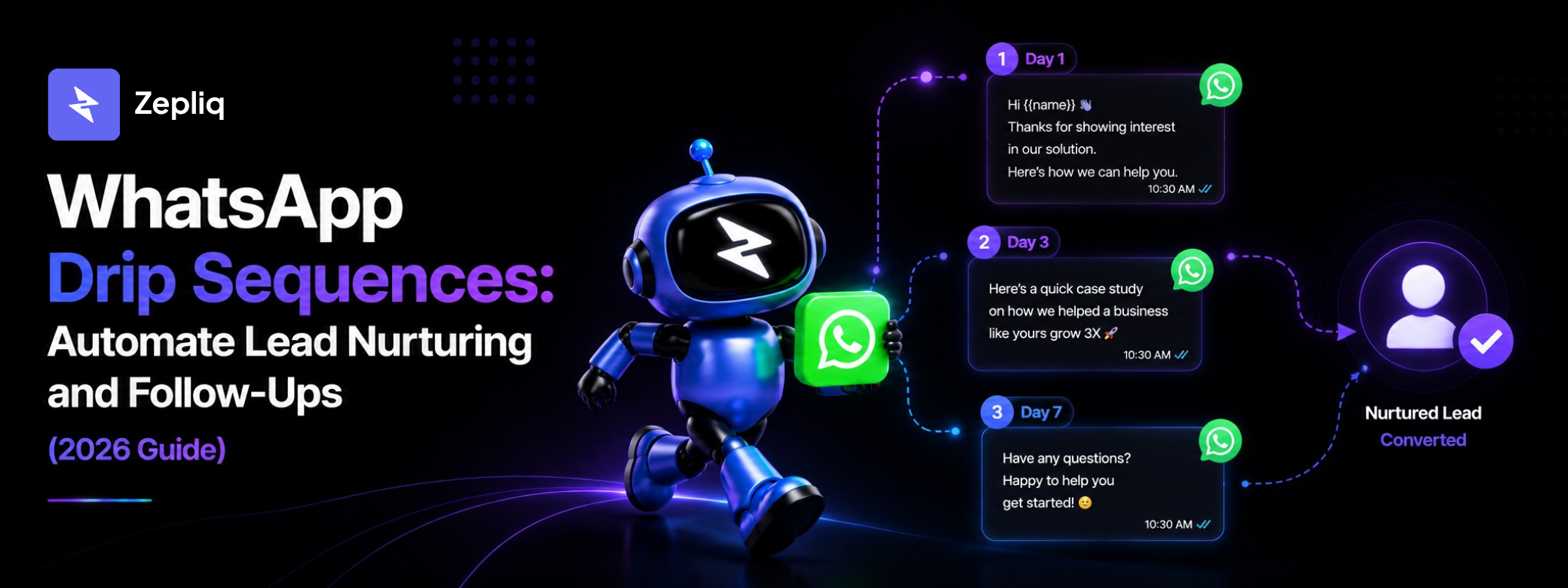
For leads in an active consideration phase, a 5-7 step WhatsApp drip sequence works well. For leads who are clearly not ready yet, a lighter monthly check-in sequence keeps the relationship warm without overwhelming them. For leads who have gone quiet after initial engagement, a re-engagement sequence with a low-pressure offer can restart the conversation.
- Immediate follow-up (within 5 minutes): send a personalized message that references what the lead told you in the qualification flow — not a generic welcome
- Day 2 — Value delivery: share one specific, immediately useful insight, template, or resource relevant to their stated pain point
- Day 5 — Social proof: send a short case study or result from a business similar to theirs — make it easy to see themselves in the story
- Day 8 — Soft offer: introduce a free trial, demo, or consultation with a clear, low-friction CTA
- Day 12 — Decision support: address the most common objection for their lead type — price, implementation complexity, or switching cost
- Day 16 — Final follow-up: one last message before pausing the sequence — keep it human, not automated-sounding
Building a WhatsApp Lead Pipeline That Your Team Can Actually Use
Individual leads become revenue when they move through a structured pipeline. Without pipeline visibility, leads fall through the cracks — qualified but never followed up, interested but never sent a proposal, ready but never closed because the conversation died in a busy inbox.
Zepliq LeadFlow is built for exactly this problem. It turns WhatsApp conversations into trackable pipeline stages: New Lead, Interested, Follow-Up, Proposal, Negotiating, and Client. Each stage represents a specific point in the buying journey, and your team can see every lead's position at a glance.
The pipeline becomes a daily working tool when it is connected to the real conversation. Managers can see which leads are moving, which are stalling, and which need immediate attention. AI handles the routine follow-up, and humans focus their time on leads in the Proposal and Negotiating stages where personal attention matters most.
- New Lead: enters when a contact starts a WhatsApp conversation through any entry point
- Interested: moves here after the lead responds positively to qualification or expresses specific interest
- Follow-Up: assigned when a lead needs additional information, a callback, or a quote before moving forward
- Proposal: active when your team has shared a pricing proposal, package, or next-step offer
- Negotiating: when the lead is comparing, asking for changes, or discussing payment and timeline
- Client: when the lead converts — trigger post-purchase onboarding and retention sequences automatically
Common WhatsApp Lead Generation Mistakes That Kill Conversion
WhatsApp lead generation fails in predictable ways. Most of these mistakes are avoidable with the right setup — but they are common enough that understanding them is worth more than another tip on what to do right.
- No immediate response: the biggest conversion killer. A lead who messages at 9pm and gets a response at 9am tomorrow has lost most of their buying urgency. AI solves this — every message gets answered within seconds, at any hour.
- Generic opening messages: "Hi, how can I help you?" is a missed opportunity. The opening message should reference how the lead arrived — the ad they clicked, the product they asked about, the keyword they used — to signal that you were paying attention.
- Asking too many questions at once: sending a five-question form in one message feels like paperwork. Ask one question, get the answer, ask the next. This keeps the conversation natural and reduces drop-off.
- No opt-in documentation: sending marketing messages to leads without documented opt-in consent puts your WhatsApp account at risk. Capture and record consent from the first interaction.
- Ignoring lead source data: a lead from a COD verification follow-up is not the same as a lead from a click-to-WhatsApp ad. Treat them differently. Use the source data to personalize the first message and the nurture sequence.
- No human handoff for high-intent leads: AI should handle qualification, but a lead who says "I'm ready to start this week with 10 agents" should reach a human within minutes, not continue through an automated sequence.
Frequently Asked Questions
How is WhatsApp lead generation different from running paid ads?
Paid ads drive traffic to a page or form. Click-to-WhatsApp ads drive prospects directly into a conversation. The difference is immediacy — leads get a response in seconds, not hours. Conversion rates from click-to-WhatsApp campaigns are typically higher because the friction between interest and first contact is eliminated.
Can I run WhatsApp lead generation without the WhatsApp Business API?
You can create a WhatsApp link and receive messages through the standard app, but you cannot automate qualification, run drip sequences, track leads in a pipeline, or manage conversations at scale without the API. The API is required for any serious lead generation operation.
How many qualification questions should I ask?
Five to seven questions is the effective range for most B2C and B2B sales. Below five and you do not have enough information to qualify. Above seven and completion rates drop significantly. Keep each question to one topic and make answering easy with quick-reply options where possible.
Can Zepliq automatically assign qualified leads to specific sales agents?
Yes. Zepliq's LeadFlow can route leads to agents based on product interest, location, deal size, or any other qualification attribute your flow captures. This means each agent receives leads that match their specialization.
What is a realistic conversion rate for WhatsApp leads?
Conversion rates vary significantly by industry, product price, and lead quality. Businesses with strong entry points, fast AI responses, and clean qualification flows typically see higher conversion rates from WhatsApp leads than from equivalent form-based lead generation, primarily because of the immediacy and two-way nature of the channel.
How do I track which WhatsApp lead generation entry point performs best?
Use different WhatsApp links or QR codes for each entry point (ad, website button, packaging) and track conversation sources in Zepliq. This data shows you which channels generate the most leads and which generate the highest-quality leads — they are often not the same channel.
Build Your Customer Automation System with Zepliq
Zepliq helps growing brands automate WhatsApp, email, Shopify, WooCommerce, and sales pipeline workflows from one dashboard.
Use this guide as a starting point, then connect your real customer conversations so your team can reply faster, follow up better, and build a brand customers remember.
Start Your Free 14-Day Trial
No credit card required. Connect your channels and launch your first automation workflow in minutes.
- No credit card required
- WhatsApp, email, and store automation
- Built for sales and support teams