
.png)
Why WhatsApp Follow-Ups Convert Better Than Email
The average B2C sale requires 5 to 8 touchpoints before a purchase decision. Most businesses give up after 1 or 2. The difference between a closed deal and a lost lead is usually a well-timed follow-up message — not a better product or a lower price.
WhatsApp follow-up messages outperform email follow-ups for three reasons: they are seen immediately (90%+ open rate vs 20% for email), they feel personal rather than promotional, and they invite a two-way reply rather than a one-way send.
The key difference between a follow-up that gets a reply and one that gets ignored is specificity. Generic follow-ups like "Just checking in!" have near-zero reply rates. Specific follow-ups that reference the previous conversation, provide a concrete value, or ask a single focused question convert at 3 to 5 times the rate.
5 Types of WhatsApp Follow-Up Messages
Different situations require different follow-up strategies. Match the template type to the conversation stage — sending a sales follow-up to a customer who just purchased is as wrong as sending a review request to a cold lead.
- Sales follow-up: sent to prospects who expressed interest but have not replied in 24 to 72 hours
- Post-meeting follow-up: sent within 1 hour of a discovery call, demo, or site visit
- No-reply follow-up: sent to leads who have not responded to the first message in 3 to 7 days
- Post-purchase follow-up: sent after order delivery to collect reviews and offer repurchase incentives
- Re-engagement follow-up: sent to contacts who have been inactive for 30 to 60 days
WhatsApp Sales Follow-Up Message Templates
These templates are designed for prospects who have shown interest — visited a pricing page, requested information, or replied once and gone quiet. Each template opens with a benefit or new information, not a generic nudge.
- Template 1 (24 hours): "Hi [Name], following up on [product/service]. One thing I forgot to mention — [specific benefit or feature]. Would this change your thinking?"
- Template 2 (48 hours): "Hi [Name], I put together a quick summary of how [Brand] helps [their industry]: [1-line result]. Happy to walk you through it — 10 minutes, no pressure."
- Template 3 (72 hours, social proof): "Hi [Name], [Customer Name] from [similar business] had the same question you had. They saw [specific result] in [timeframe]. Want me to share the details?"
- Template 4 (1 week): "Hi [Name], last follow-up from me on [product/service]. If the timing is not right, completely fine — you can always reach us when it is. Take care!"
- Template 5 (reopen): "Hi [Name], we just launched [new feature/offer] that directly addresses [their concern]. Thought of you — worth 5 minutes if you have them?"
WhatsApp No-Reply Follow-Up Templates
No-reply follow-ups are for contacts who received your initial message but have not responded. The tone should acknowledge the silence without making the prospect feel guilty — and always provide a new reason to reply, not just a repetition of the original message.
- Template 6 (3 days): "Hi [Name], I know your inbox is busy. One quick question: is [specific problem] still something you are trying to solve this month?"
- Template 7 (5 days): "Hi [Name], no worries if this is not the right time. Would it help to [lower-commitment offer — free guide, quick demo, or sample]?"
- Template 8 (7 days, value add): "Hi [Name], sharing something useful regardless of where we stand: [relevant tip or insight]. Hope it helps."
- Template 9 (breakup): "Hi [Name], I will stop following up after this. If you ever need help with [problem], we are here. Wishing you the best either way!"
WhatsApp Post-Purchase Follow-Up Templates
Post-purchase follow-ups are the highest-ROI messages in e-commerce. A well-timed message after delivery generates reviews, reduces return inquiries, and drives repeat purchases — all from contacts who already trust your brand.
- Template 10 (delivery confirmation): "Hi [Name], your [product] has been delivered! Hope you love it. Any questions, just reply here — we are happy to help."
- Template 11 (review request, 3 days): "Hi [Name], how are you finding [product] so far? If you are happy with it, a quick review would mean a lot to us: [review link]"
- Template 12 (repurchase, 14 days): "Hi [Name], it has been two weeks since your [product] arrived. Time for a refill or upgrade? Here is 10% off as a thank you: [link]"
- Template 13 (referral): "Hi [Name], if you know anyone who would love [product], here is your referral code: [CODE]. They get [discount] and you get [reward]."
When to Send Each WhatsApp Follow-Up Message
Timing is as important as the message itself. A perfect template sent at the wrong time will still get ignored. The most important timing rule: send your first follow-up within 24 hours of the initial contact. Reply rates drop by 80 percent after 48 hours for most sales and service businesses.
- First follow-up: within 24 hours of initial inquiry or last conversation
- Second follow-up: 48 to 72 hours after the first if no reply received
- Third follow-up: 5 to 7 days after the second — provide new value, not a repeat of the last message
- Final follow-up: 10 to 14 days — low-pressure close or graceful let-go message
- Post-purchase review request: 3 to 5 days after confirmed delivery
- Repurchase follow-up: 14 to 30 days after last purchase depending on product lifecycle
- Best send window: 9 AM to 12 PM local time for highest open and reply rates
How to Automate WhatsApp Follow-Ups with Zepliq
Manually tracking who needs a follow-up and when is impossible at scale. Zepliq automates the entire follow-up workflow — from triggering the first message to stopping the sequence when a contact replies or converts.
Every follow-up outside the 24-hour conversation window requires an approved WhatsApp template. Zepliq handles template submission and approval as part of the setup process. Once approved, your sequence runs automatically around the clock with no manual sending required.
- Set the trigger: new lead, form submission, last-reply date, order delivered, or custom event
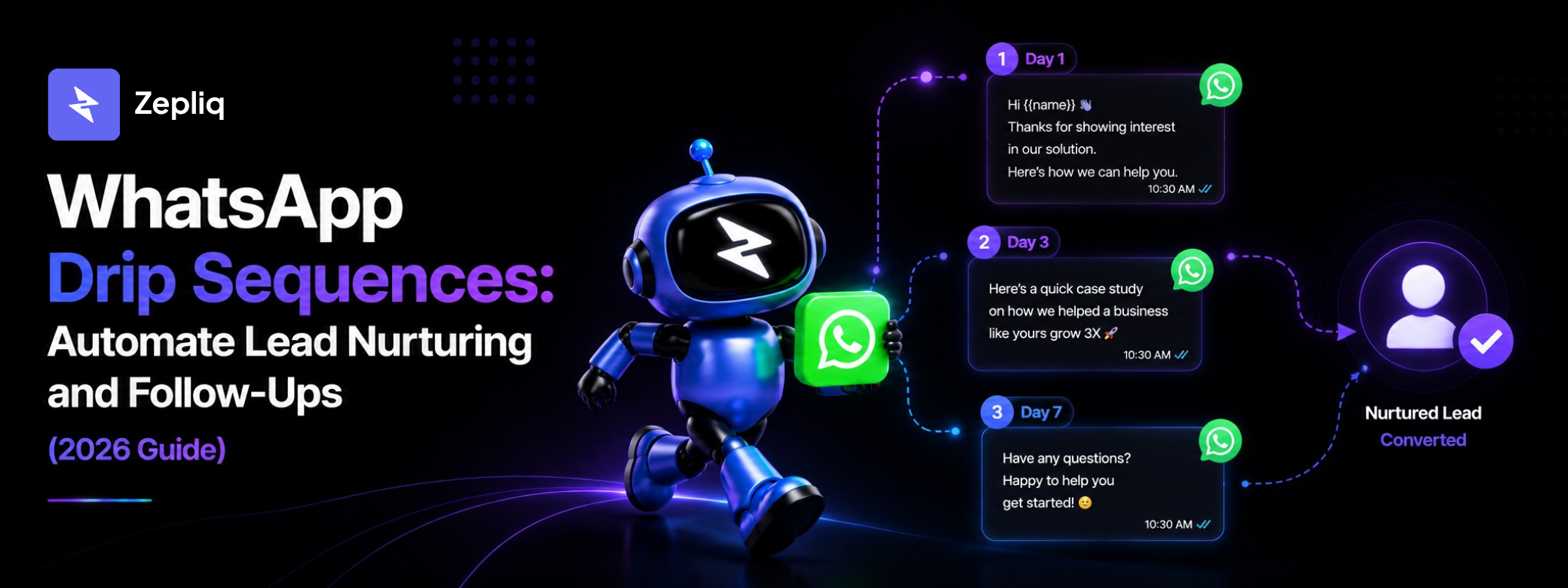
- Configure the sequence: upload your templates and set timing intervals (Day 1, Day 3, Day 7, etc.)
- Define exit conditions: stop when contact replies, purchases, or opts out
- Enable AI to handle replies between follow-up messages — no lead waits more than a few seconds for a response
- Monitor per-message metrics and adjust timing or content based on reply rate data
- Scale from 10 to 10,000 follow-ups per day with zero additional effort from your team
Frequently Asked Questions
How many follow-up messages should I send before giving up?
Send 3 to 4 follow-ups before stopping outreach for unresponsive contacts. Studies show 80% of deals close after 5+ touchpoints, but on WhatsApp high-intent leads typically reply within the first 2 to 3 messages. After message 4, the contact is likely not in the market right now — continuing wastes message credits and risks spam complaints that can restrict your WhatsApp account.
What is the best opening line for a WhatsApp follow-up?
Avoid "Just checking in" — it provides no value and signals you have nothing new to say. Instead, open with a new insight, a relevant client result, or a specific question about their situation. The best opening lines reference something specific from the previous conversation or provide genuinely new information the lead did not have before.
Can I automate WhatsApp follow-up messages?
Yes. With Zepliq, you can automate multi-step follow-up sequences that trigger based on time, behavior, or conversation stage. Templates must be approved by Meta before use in automated outbound messages. Setup takes under 30 minutes for a full 5-step follow-up sequence.
Do WhatsApp follow-up messages need to use approved templates?
Only when the 24-hour conversation window has closed. If a contact messaged you within the last 24 hours, you can reply freely in any format. If more than 24 hours have passed since their last message, all outbound messages must use Meta-approved templates. Zepliq manages template approval automatically as part of sequence setup.
How do I avoid being blocked on WhatsApp for follow-ups?
Space your follow-ups at least 24 to 48 hours apart. Always include an easy opt-out option. Make each message provide genuine value — not just a nudge to buy. Never send to contacts who have not explicitly opted in to receive WhatsApp messages from your business. Monitor your account quality score in WhatsApp Manager and reduce frequency immediately if quality drops.
Which follow-up message type gets the highest reply rate?
The highest-reply follow-up is a specific, single question that is easy to answer. Examples: "Is fixing [problem] still a priority for you this month?" or "Would a free 10-minute demo be useful this week?" Open-ended questions consistently underperform compared to focused yes/no or choice questions — the lower the cognitive effort required, the higher the reply rate.
Build Your Customer Automation System with Zepliq
Zepliq helps growing brands automate WhatsApp, email, Shopify, WooCommerce, and sales pipeline workflows from one dashboard.
Use this guide as a starting point, then connect your real customer conversations so your team can reply faster, follow up better, and build a brand customers remember.
Start Your Free 14-Day Trial
No credit card required. Connect your channels and launch your first automation workflow in minutes.
- No credit card required
- WhatsApp, email, and store automation
- Built for sales and support teams
.png)
.png)