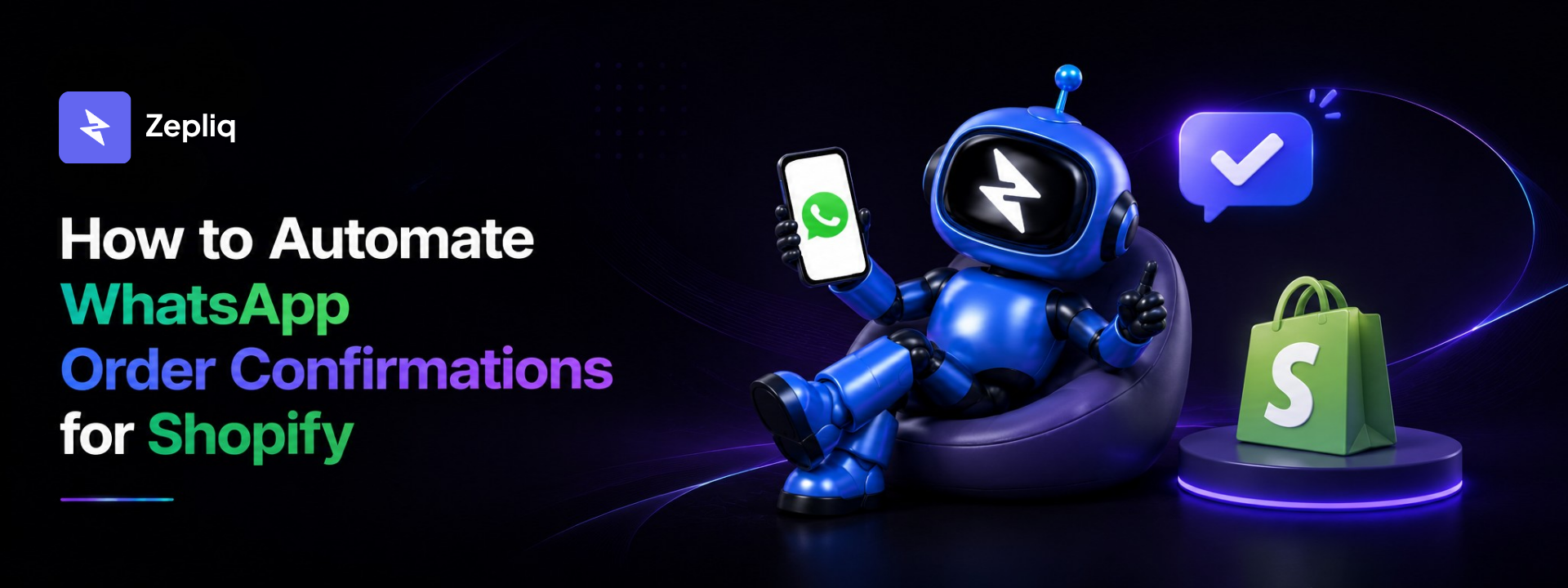
Why WhatsApp Order Confirmations Matter for E-Commerce
Every e-commerce store owner knows the pain: a customer places a cash-on-delivery (COD) order, you ship the product, and at the doorstep they refuse it — or worse, they were never reachable to begin with. The industry average COD cancellation rate sits between 20% and 40% for South Asian and Middle Eastern markets where COD dominates.
The root cause is almost always the same: no confirmation loop. The customer placed an order impulsively, forgot about it, or simply wasn't committed. A timely, interactive WhatsApp message — one that asks them to reply YES or NO — creates immediate intent verification before you spend a rupee on shipping.
Beyond COD, WhatsApp order confirmations serve three critical business functions:
- Trust building: Customers feel reassured the order went through correctly and is being handled.
- Upsell opportunities: A post-order message is prime real estate for a "customers also bought" or "add to your order" nudge.
- Review & referral triggers: Automated follow-ups 3–5 days post-delivery drive review collection and repeat purchases.
What Is a WhatsApp Order Confirmation?
A WhatsApp order confirmation is an automated message sent to a customer immediately after they place an order on your online store. Unlike email confirmations that go unread, WhatsApp messages land directly in the customer's chat inbox — the same place they talk to family and friends.
A well-structured WhatsApp order confirmation includes:
- Customer name and personalized greeting
- Order number and itemized product list
- Total amount and payment method
- Estimated delivery timeline
- A clear action prompt (for COD: YES to confirm / NO to cancel)
- Brand name and optional support contact
When you connect your Shopify or WooCommerce store to an automation tool like Zepliq, this entire flow — trigger, send, read reply, update order — happens without any manual work.
Step-by-Step: How to Set Up WhatsApp Order Confirmations
This guide covers the setup process using Zepliq, which connects to both Shopify (via OAuth) and WooCommerce (via webhooks). The entire process takes under 10 minutes.
Step 1 — Connect Your Store to Zepliq
Log in to your Zepliq dashboard and navigate to Integrations → E-Commerce. Select either Shopify or WooCommerce.
- Shopify: Click "Connect Shopify" and authorise via the standard OAuth flow. Your store URL, products, and order webhooks are synced automatically.
- WooCommerce: Install the Zepliq plugin from WordPress.org or paste your REST API credentials. Zepliq listens to WooCommerce webhook events in real time.
Step 2 — Configure the Order Confirmation Trigger
In Automations → New Automation, set the trigger to "Order Created". You can filter by payment method — for example, only trigger the YES/NO flow when payment method contains "cash" or "COD".
For prepaid orders, configure a simpler confirmation-only template (no YES/NO required since payment is already captured).
Step 3 — Write and Test Your Message Template
Use Zepliq's template editor with dynamic variables. The most effective template structure is:
Hi {{customer_name}}! 👋
Thank you for your order from {{store_name}}.
📦 Order #{{order_number}}
{{order_items}}
💰 Total: {{order_total}}
🚚 Payment: Cash on Delivery
Please reply YES to confirm your order or NO to cancel.
Reply within 2 hours to secure your delivery slot.
Step 4 — Enable AI Reply Handling
Turn on AI Reply Parsing in the automation settings. Zepliq's AI reads incoming replies and:
- YES / Confirm / Ok / ہاں → marks the order as Confirmed and sends a delivery ETA message
- NO / Cancel / نہیں → marks the order as Cancelled and sends a cancellation acknowledgment
- Any other reply → routes to your team inbox for manual handling
Order status changes are synced back to Shopify/WooCommerce automatically — no manual dashboard updates needed.
Step 5 — Set Follow-Up Sequences
If a customer doesn't reply within a set window (e.g., 2 hours), Zepliq can send a follow-up reminder. You can configure up to 3 follow-ups with increasing urgency, stopping immediately when the customer responds.
WhatsApp Order Confirmation Message Templates That Convert
The copy in your confirmation message directly affects your reply rate. Based on data from Zepliq users across Pakistan, UAE, and India, here are the highest-converting templates:
Template 1 — Standard COD Confirmation (Highest Reply Rate)
Hi Sara! Your order from StyleHaven is placed ✅
🛍️ 2× Navy Hoodie (M) · PKR 2,998
📍 Cash on Delivery
📦 Ships in 2–3 days
Reply YES to confirm or NO to cancel.
Template 2 — Prepaid Order Confirmation
Hi Ahmed! Payment received ✅
Order #SH-5721 is confirmed and being packed.
🚚 Expected delivery: 3–5 business days
We'll send your tracking link once shipped.
Questions? Just reply here anytime.
Template 3 — COD Follow-Up (No Reply)
Hi Sara 👋 Just checking in on your order at StyleHaven.
We haven't received your confirmation yet. Your order will be held for the next 4 hours.
Reply YES to confirm or NO to cancel.
How COD YES/NO Automation Reduces Cancellations
Cash-on-delivery orders are the backbone of e-commerce in emerging markets, but they carry a uniquely high cancellation and return-to-sender (RTS) risk. The standard industry flow looks like this:
- Customer places order
- Store packs and ships — often without any confirmation
- Courier attempts delivery
- Customer refuses or is unreachable
- Product returns, store pays two-way shipping
The Zepliq flow inserts a critical verification step before shipping:
- Order placed → instant WhatsApp confirmation sent
- Customer replies YES → order flagged as "Confirmed to Ship"
- Customer replies NO → order cancelled, no shipping cost incurred
- No reply after follow-ups → flagged for manual review before dispatch
This single change eliminates the largest category of avoidable shipping losses. Stores using this flow report a 45–60% reduction in RTS shipments within the first month of activation.
Real Results: What Stores Are Achieving
Here are representative outcomes from Zepliq users who implemented WhatsApp order confirmation automation:
A Karachi-based fashion store running 200+ COD orders per day reduced its daily RTS count from 48 orders to 18 in the first two weeks — saving over PKR 90,000/month in reverse logistics costs alone.
A Dubai electronics retailer using the same flow for prepaid confirmation and upsell sequences achieved a 12% increase in average order value through post-confirmation product recommendations.
Frequently Asked Questions
Do I need WhatsApp Business API approval to use this?
No. Zepliq connects via a simple QR code scan using your existing WhatsApp Business number — no Meta API approval required, no lengthy verification process, and no per-message fees. You can be live in under 5 minutes.
Does this work with WooCommerce as well as Shopify?
Yes. Zepliq supports both platforms. Shopify connects via OAuth and WooCommerce via webhook. Both receive real-time order events and sync status changes back automatically.
What languages does the AI reply-parser understand?
Zepliq's AI understands affirmative and negative replies in English, Urdu, Arabic, Hindi, and Roman Urdu, including informal variations like "hn", "han ji", "ہاں", "نہیں", "ok done", etc. You can also define custom keyword triggers.
Can I send the confirmation only for COD orders?
Absolutely. You can filter the automation trigger by payment method, order total, product tag, or any other Shopify/WooCommerce order property. A common setup is: COD orders → YES/NO confirmation flow; prepaid orders → simple thank-you message.
Will my WhatsApp account get banned for sending automated messages?
Not with Zepliq. Messages are sent only to customers who have actively placed an order with you — they are transactional, not promotional. This is fully within WhatsApp's terms of service. Spam risks come from unsolicited bulk messaging, which Zepliq is not designed for.
How much does WhatsApp order confirmation automation cost?
Zepliq's order automation is included in every plan, and every plan is quoted around your channels and monthly volume. Message us on WhatsApp from the pricing page and we'll send you a price, usually within minutes. No setup fees, no contracts.
Start Automating Your WhatsApp Order Confirmations Today
WhatsApp order confirmation automation is one of the highest-ROI changes an e-commerce store can make. The setup takes less time than writing one confirmation message manually, and the impact — fewer cancellations, faster replies, happier customers — compounds every single day.
If you're running a Shopify or WooCommerce store and still relying on email confirmations or manual WhatsApp messages, you're leaving money on the table and burning team hours that could be automated.
The next step: Connect your store to Zepliq, set up your first confirmation flow, and watch your COD cancellation rate drop in real time.
Start Your Free 14-Day Trial
No credit card required. Connect Shopify or WooCommerce and send your first automated order confirmation in under 10 minutes.
- No credit card required
- Shopify & WooCommerce supported
- Live in under 10 minutes